Read the full prompt
Review the published security controls of Recall at https://trust.joinrecall.com/controls (its Trust Center), together with the subprocessors list at https://trust.joinrecall.com/subprocessors.
For this review, use two definitions:
Work content: the actual contents of work, including message bodies, email bodies, documents, calls, voice, video, passwords, payment details, or raw screen content.
Session metadata: the minimal structure used to help the user return, including app and window context, short descriptions of what was on screen, rough timing, and the notes and corrections the user makes.
Please evaluate these claims:
Recall is local-first and stores the user's work history on-device, relying on macOS FileVault for encryption at rest.
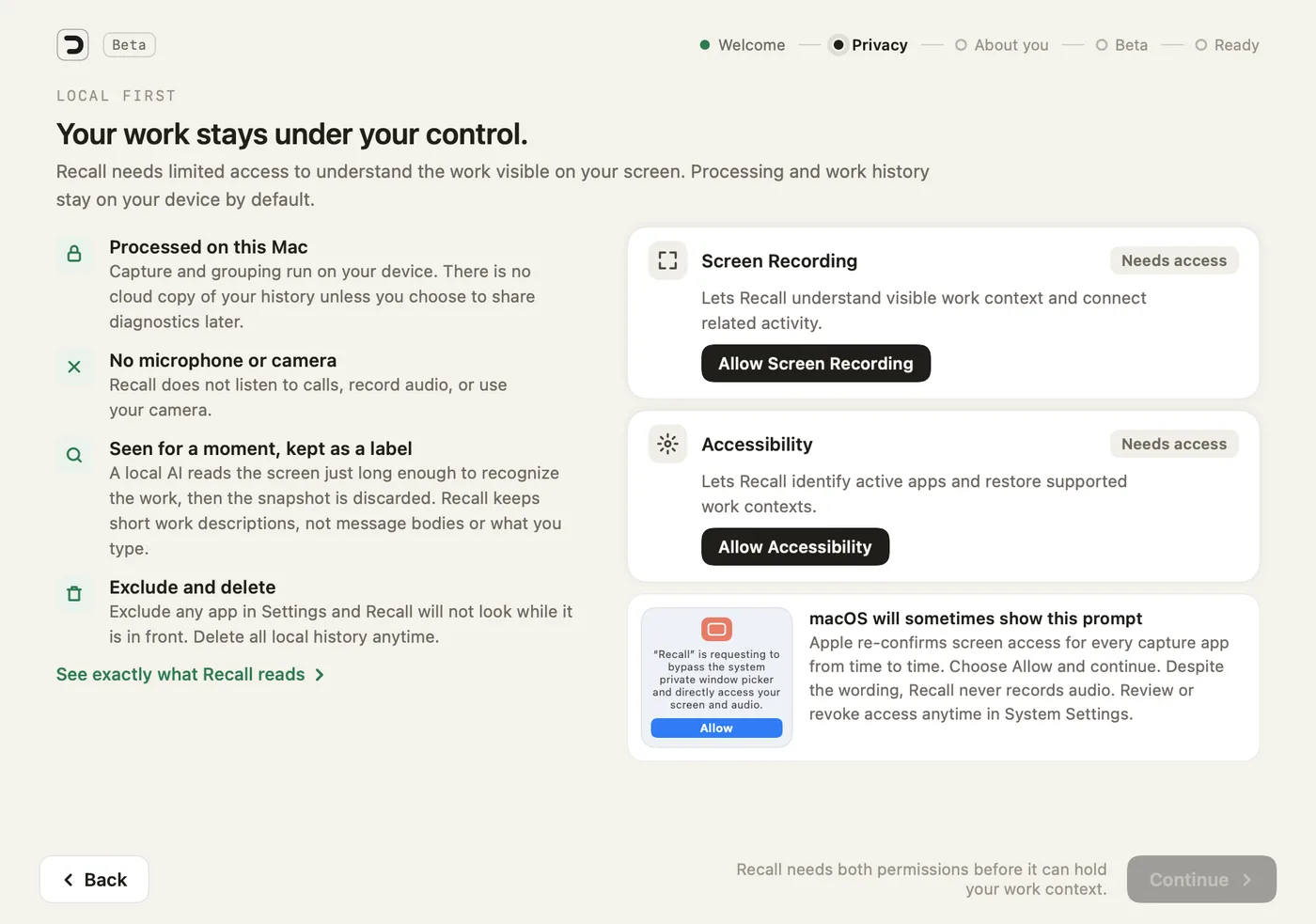
Recall holds two macOS permissions, Screen Recording and Accessibility, and does not access the microphone, camera, calls, or video. It samples the screen about every 15 seconds; an on-device model reads each frame just long enough to write a short description, then the frame is discarded. Recall keeps those short descriptions, app names, window titles, timings, and the user's notes and corrections.
Recall also keeps track of requests in the user's chats: when someone asks the user for something in Slack, Microsoft Teams, Telegram, WhatsApp or Mail, or the user replies that they will do it, Recall keeps it as a task in Loops, on the menu bar tray and on Smart Return. The tasks stay on the Mac with the rest of the user's history. While a task is open, Recall may keep a small picture of that chat on the Mac, and only while it is open.
Recall does not capture or store keystrokes, passwords, clipboard contents, private message bodies beyond those tasks, or raw screen recordings.
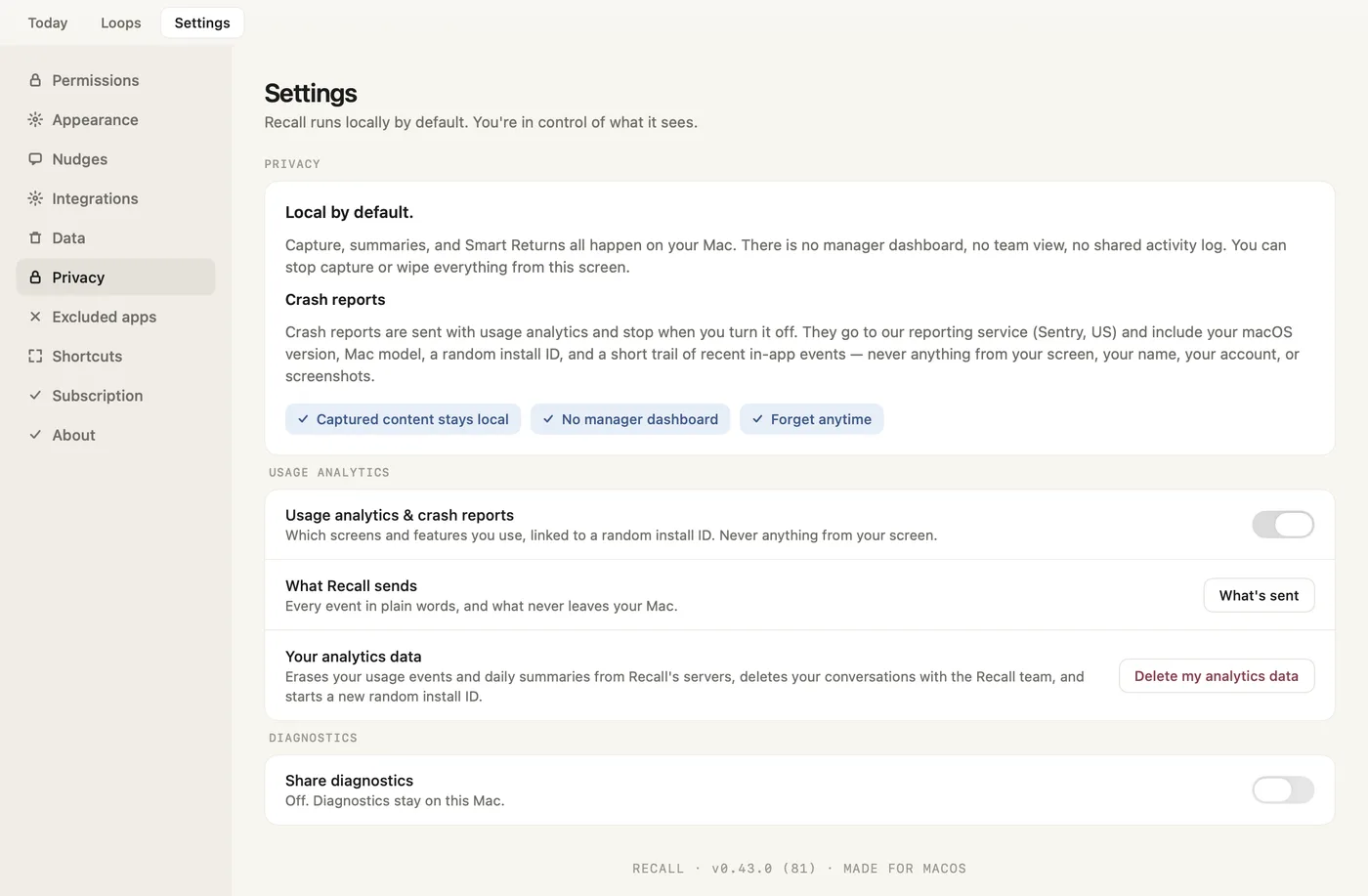
There is no cloud sync or online storage of work history. Captured data stays on-device, except what the user chooses to send with Send Feedback: a message (stored as a conversation so the team can reply inside the app, together with Recall's logs and decisions, the app version, the hardware and a random install ID, never screen content), up to three optional images (checked on the Mac before upload, with card numbers, bank details, keys and seed phrases blacked out; names, emails and message text are not removed), the activity data for the period of a problem report (sensitive strings masked, and the user can untick it), and, only if the user turns on diagnostics sharing, which is off by default, screenshots redacted on the Mac. Diagnostics are stored in the EU, deleted after 30 days, and used to fix the reported problem and to improve Recall Core, Recall's own on-device model. They are never used for anyone else's model. Otherwise only the one-time model download, signed app updates (checked at launch and every hour), licence and payment processing, transactional email, crash reports that carry no work content, and pseudonymous usage events (which screens and features are used, tied to a random install ID, never anything from the screen) cross the network. Crash reports and usage events are on by default; one switch in Settings → Privacy turns both off, apart from anonymous setup counts that carry no install ID.
Apart from what the user chooses to send, no third party receives work content. Vendors used for basics (app distribution, payments, email, hosting, licensing) do not receive the context of work. All AI runs on the Mac with Recall's own on-device model, Recall Core v1.1; there are no cloud AI calls.
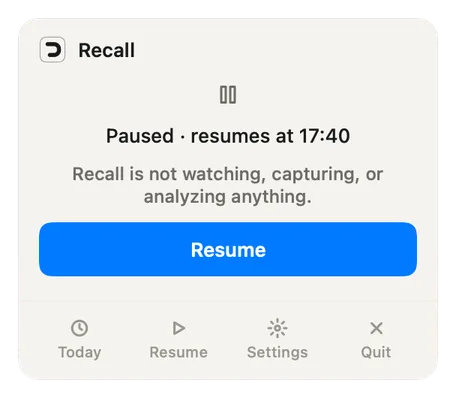
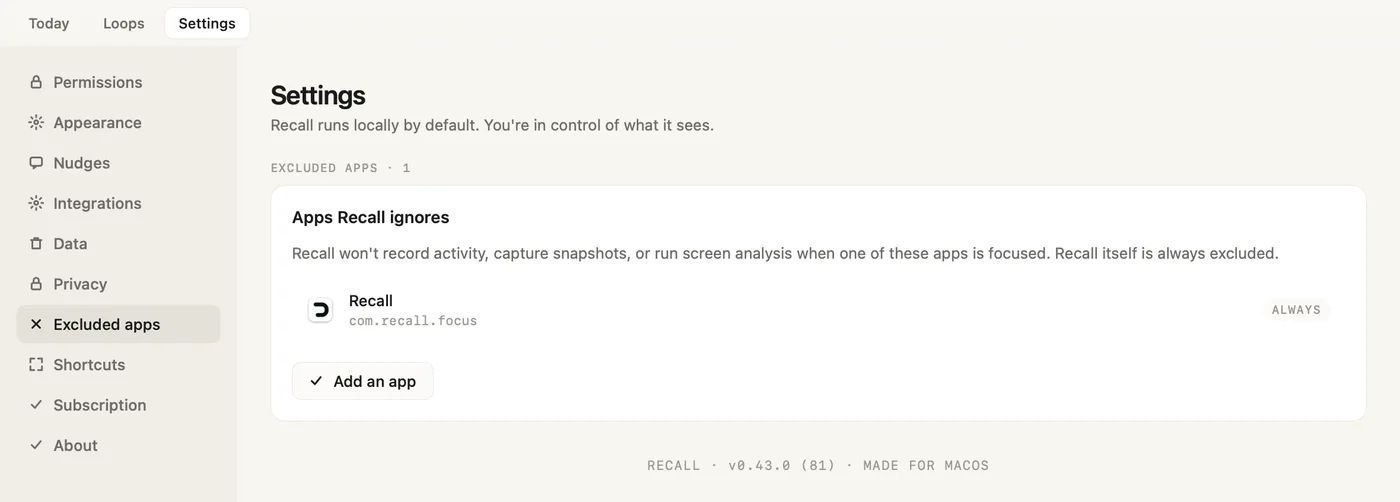
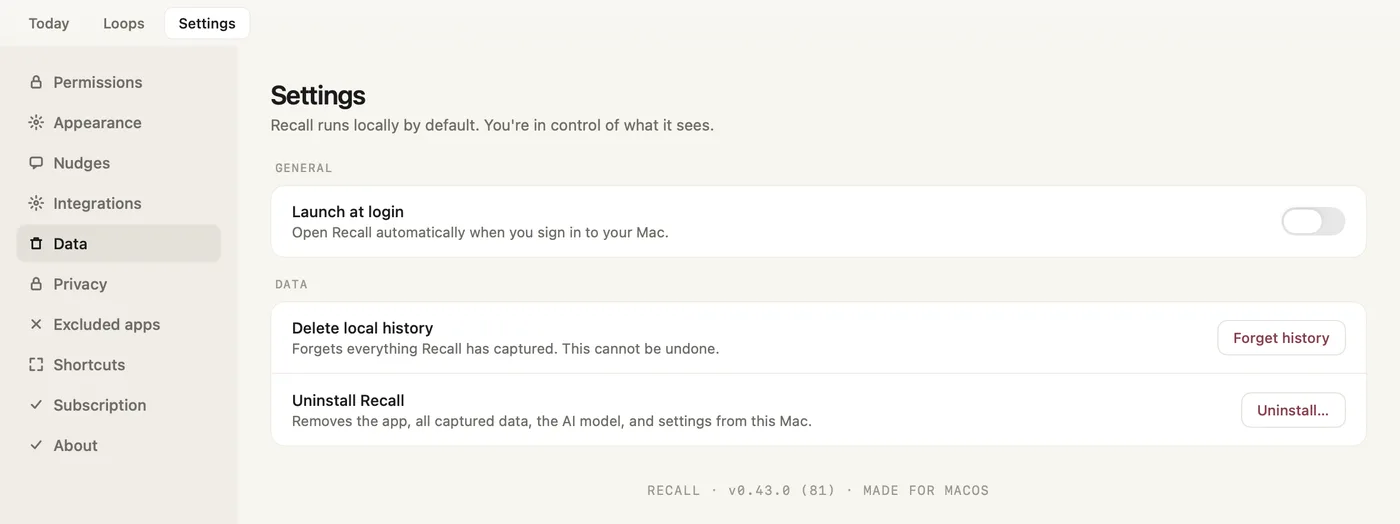
Users can pause Recall from the menu bar tray at any time, exclude any app in Settings → Excluded apps, correct threads and projects, erase everything with Forget history in Settings → Data (which also deletes their analytics data and feedback conversations on Recall's servers), and remove the app, data and model with Uninstall… in the same place. Before any way back to a thread reopens anything, Recall lists each app, tab, file and chat it will open, all ticked; the user can untick any of them, and Cancel opens nothing.
Questions:
Are the definitions of "work content" and "session metadata" clear and complete, or is anything ambiguous?
Are the boundaries around capture, telemetry, and third-party processing precise enough to evaluate?
What privacy or security risks still remain, even if these claims are true?
Which claims are clear and credible?
Which claims would you want clarified or evidenced further before installing?
What important privacy questions are not answered on the page?
This reviews our published privacy architecture, not proprietary implementation code.